Context
A centralised workforce planning tool was developed for around 20,000 employees, bringing together previously fragmented, manual planning processes within an integrated digital platform for the first time. The aim was to significantly improve operational planning, transparency and controllability, and to create a scalable UX architecture for future expansions.
Starting with an initial monthly view and a few administrative functions, the system was gradually expanded to include key features such as part-time and cover planning, automatic shift planning, request and public holiday management, role and authorisation models, interfaces, as well as dashboards and reports.
Initial situation & product objective
There was no centralised system for resource planning for around 20,000 employees. Planning and coordination were carried out using distributed tools, Excel lists and manual processes, supplemented by existing isolated applications with different logics. The requirements analysis was correspondingly complex: In addition to specifications and requirements documents, numerous other sources such as presentations and region-specific process descriptions were incorporated into the design, sometimes multiple times per function and with widely varying requirements.
This fragmented starting point created a need to clearly define both the overarching business objectives and the specific product objectives in order to establish a solid foundation for conception, prioritisation and design decisions:
Business objectives
Reduction in manual reconciliation and media breaks
Increasing efficiency in deployment and resource planning
Improving planning quality and transparency
Building a scalable platform for future automation
Product objectives
User-centred planning tool for different roles
Support for complex planning logic in a clear interface
Clear information architecture for quick orientation
Robust UX basis for future extensions
Core UX challenges
Harmonising regional process diversity
Significantly differing regional workflows had to be gradually standardised without losing local characteristics and requirements.
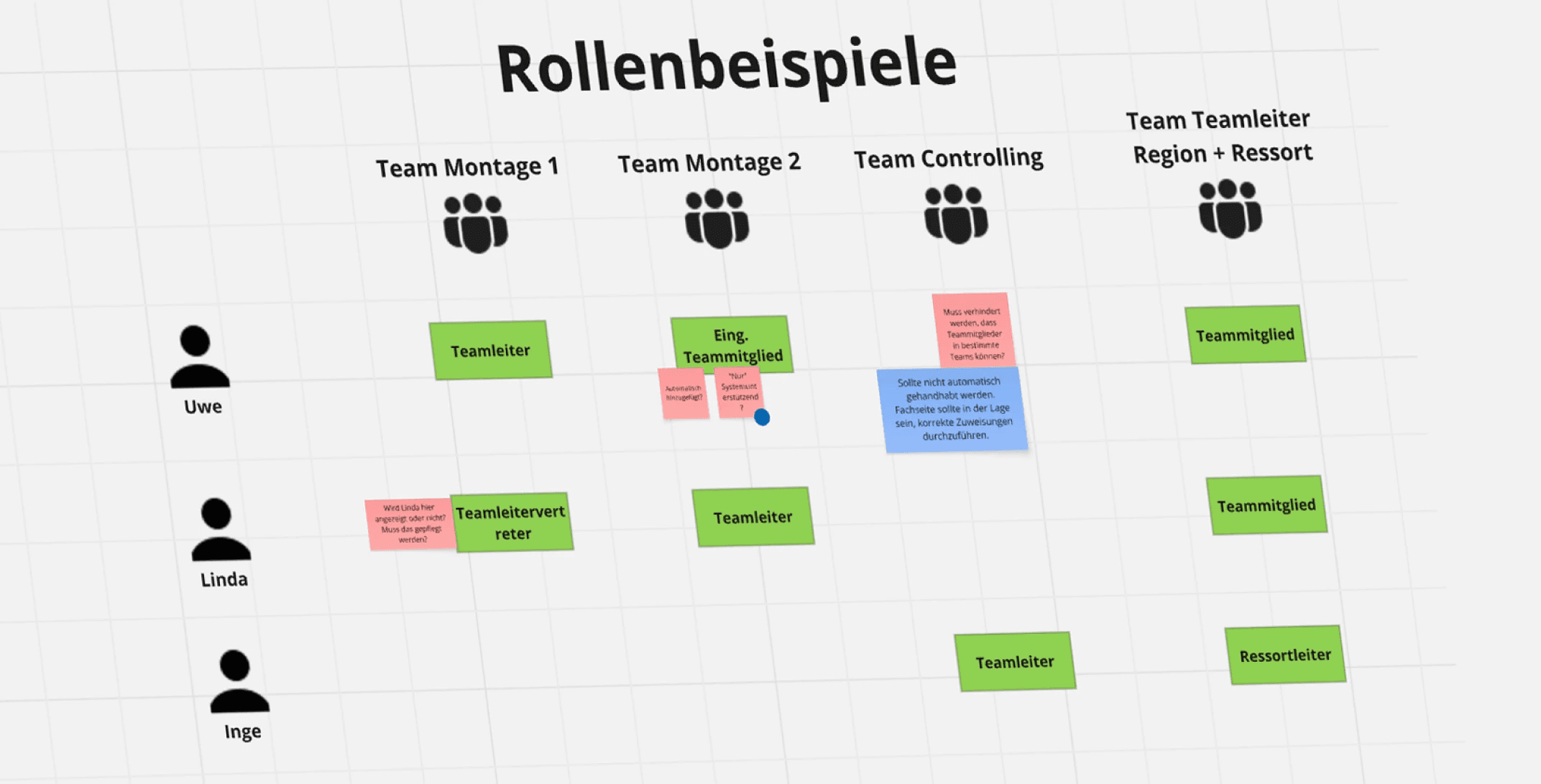
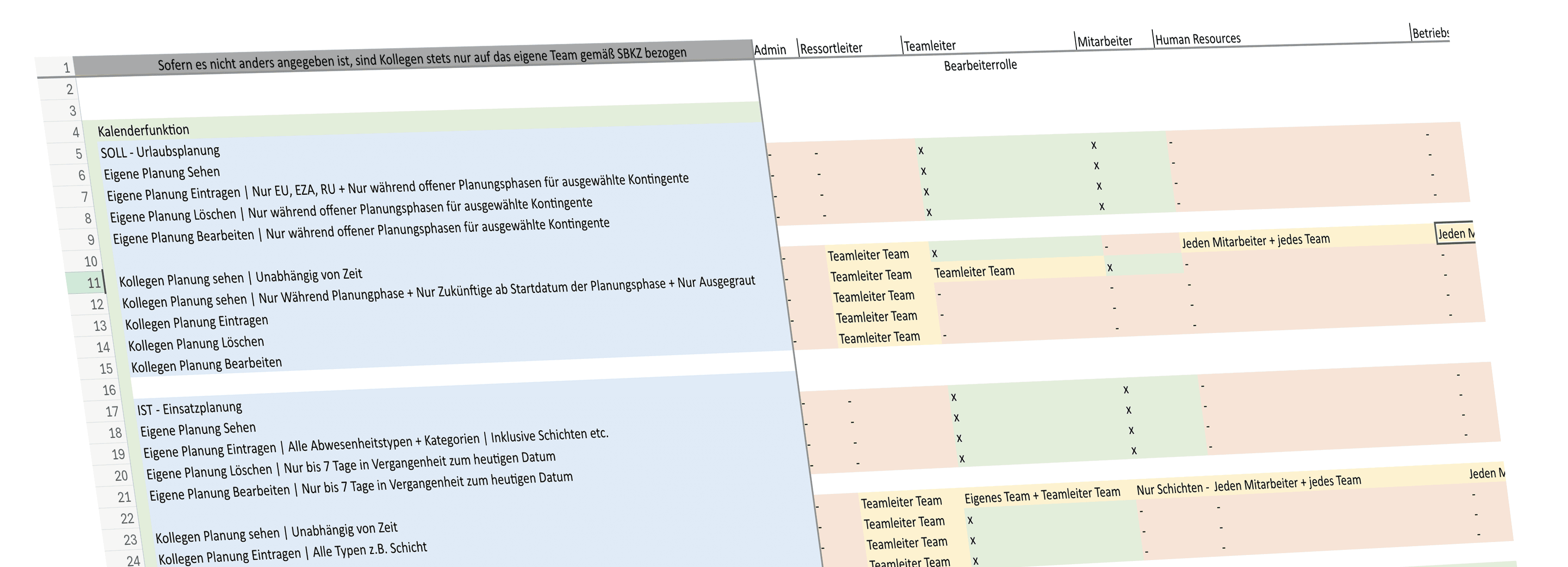
Map complex role and authorisation concepts
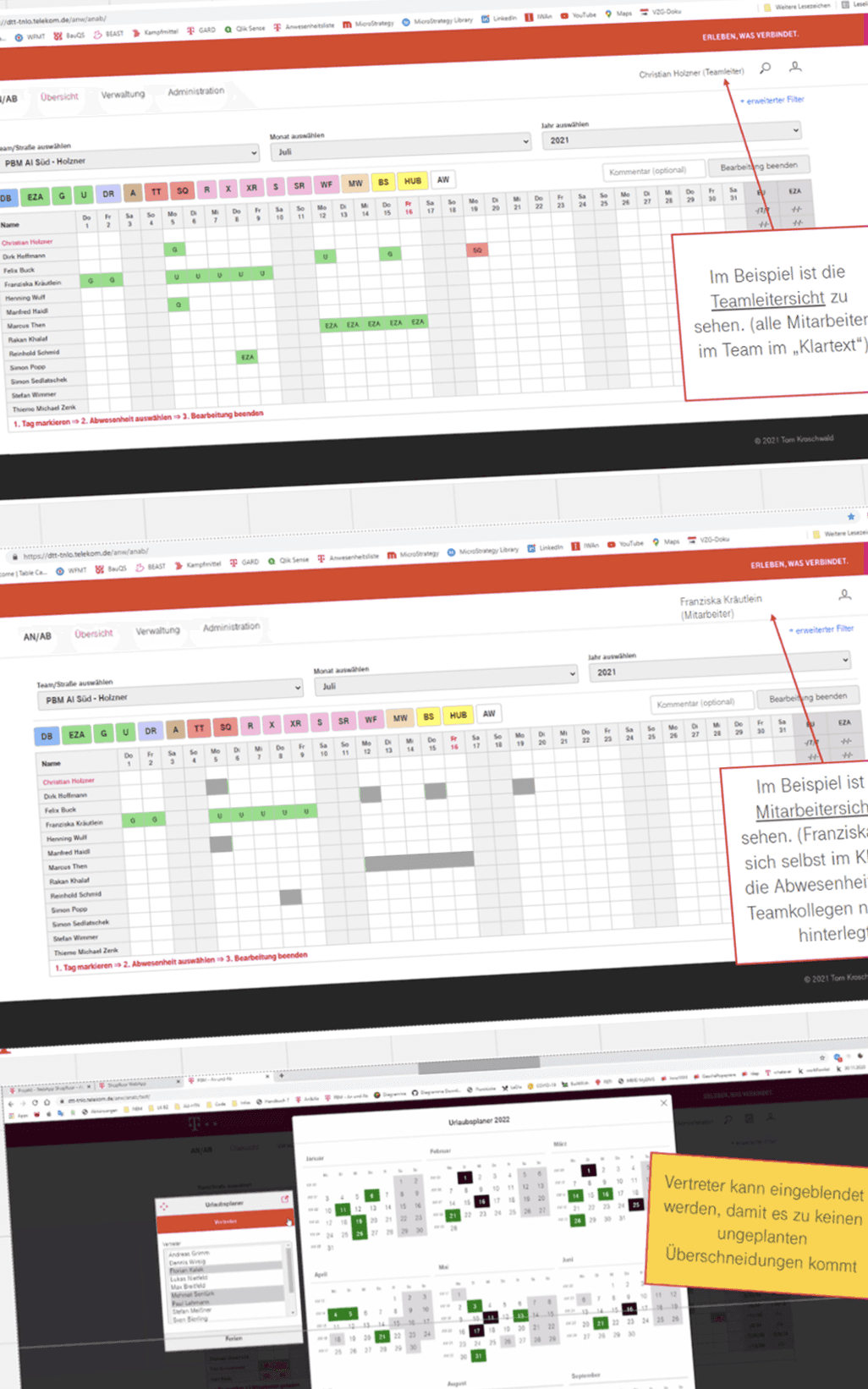
Different authorisation levels and regional rules influenced data visibility, calendar usage and administrative functions within the system.
Structure dependent processes in a comprehensible manner
Highly interconnected planning processes with many dependencies required a clear, comprehensible UX at the system level so that relationships remained understandable for all roles.
Integrate growing range of functions
An initially narrow scope developed continuously: new functions and processes had to be seamlessly integrated into the existing architecture without compromising complexity and usability.
Approach & methodology
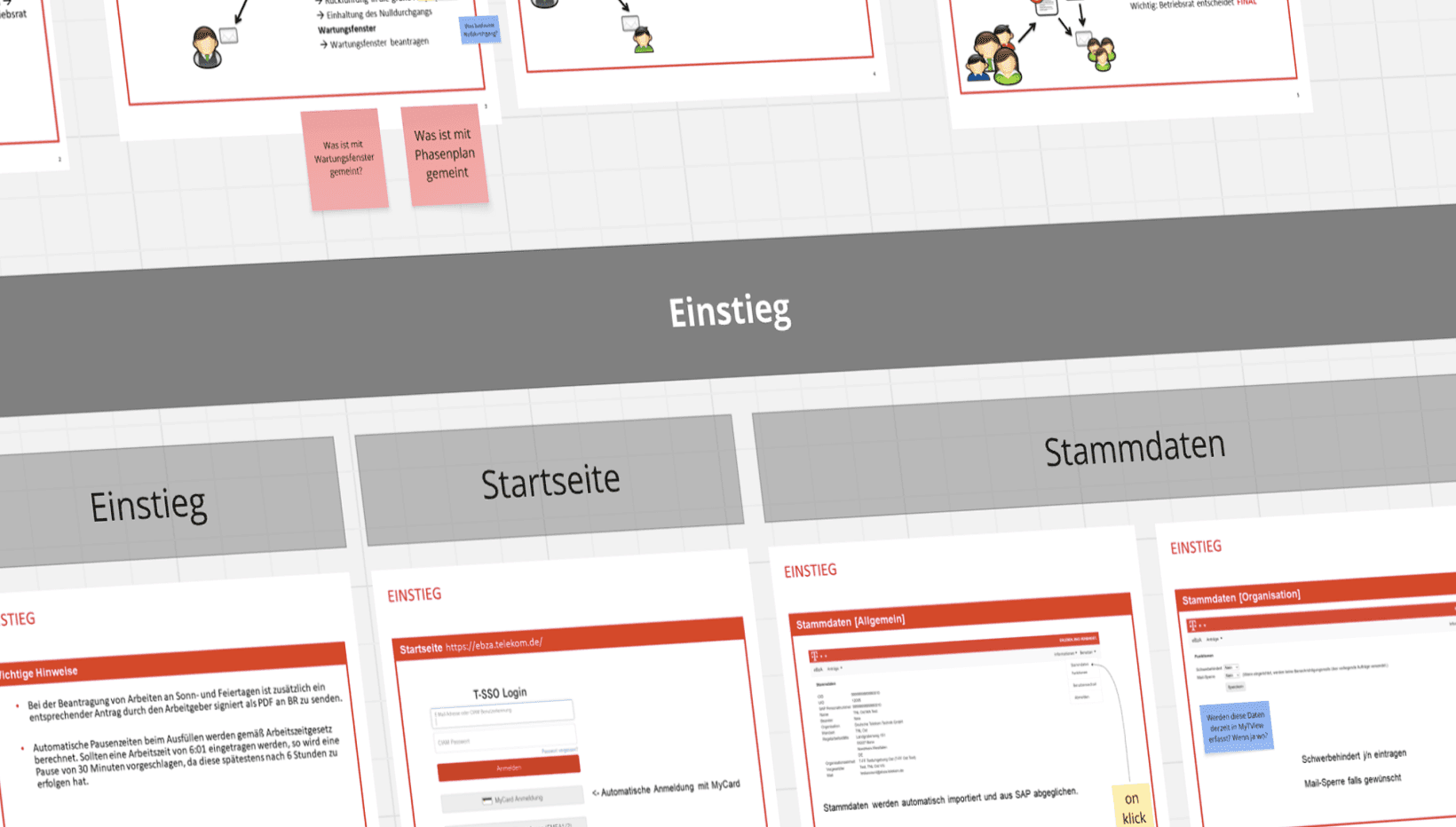
Understanding problem & objectives
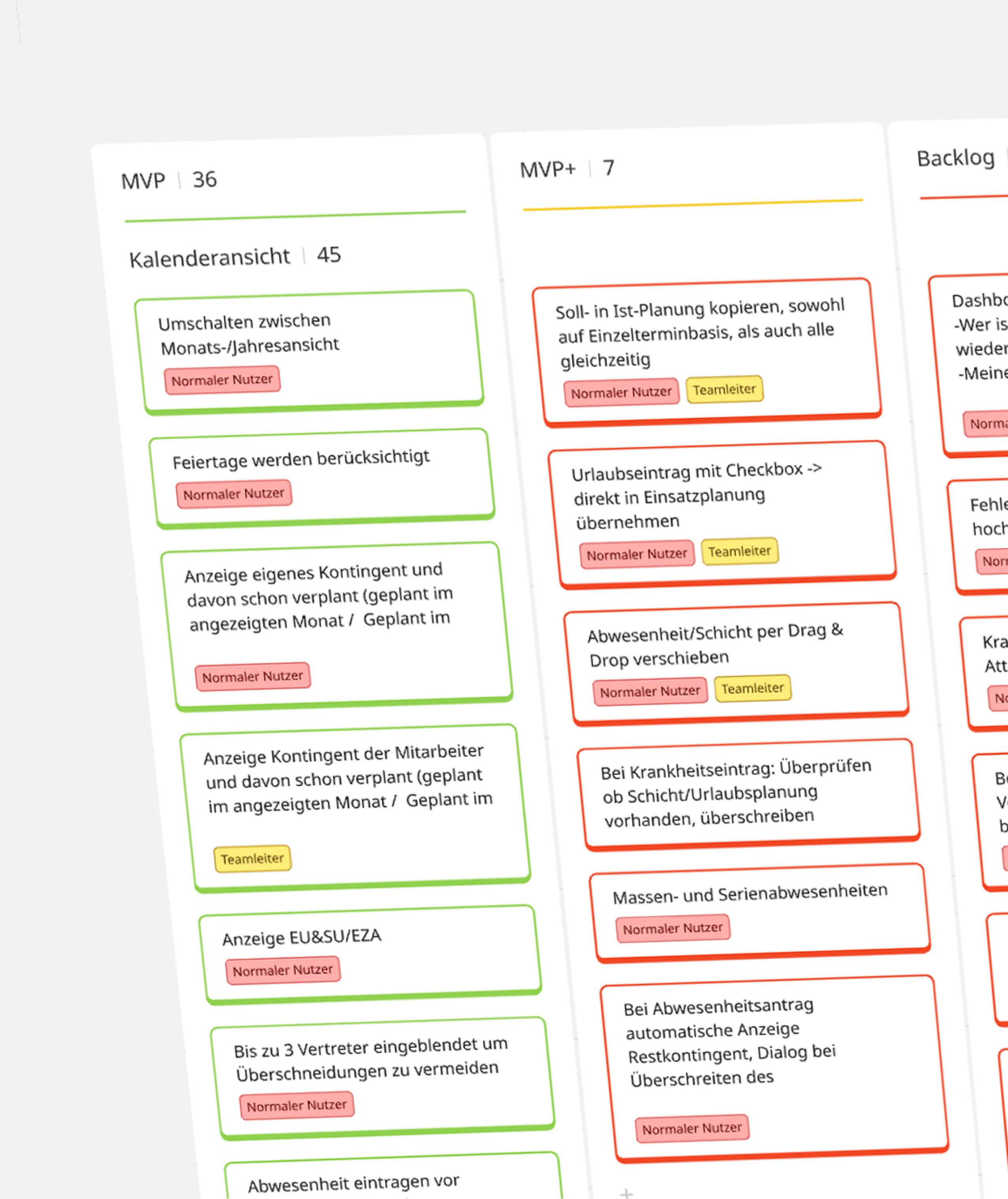
Consolidation of fragmented requirements from diverse sources, coordination of regional processes, refinement of objectives, role models and functional scope.
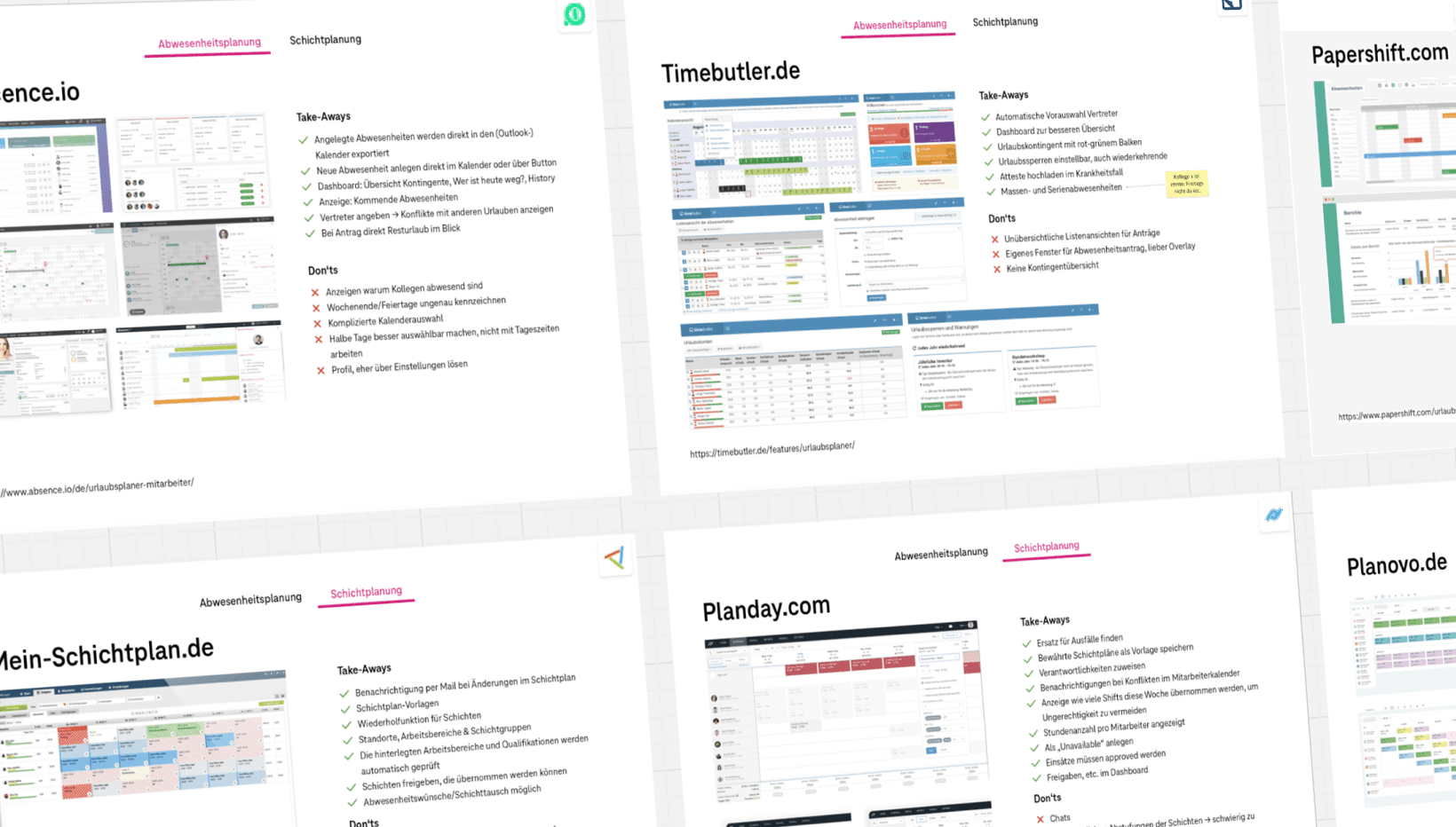
Research & Insights
Benchmark analyses of existing systems and cross-industry solutions to derive best practices, typical pitfalls and relevant patterns for the design.
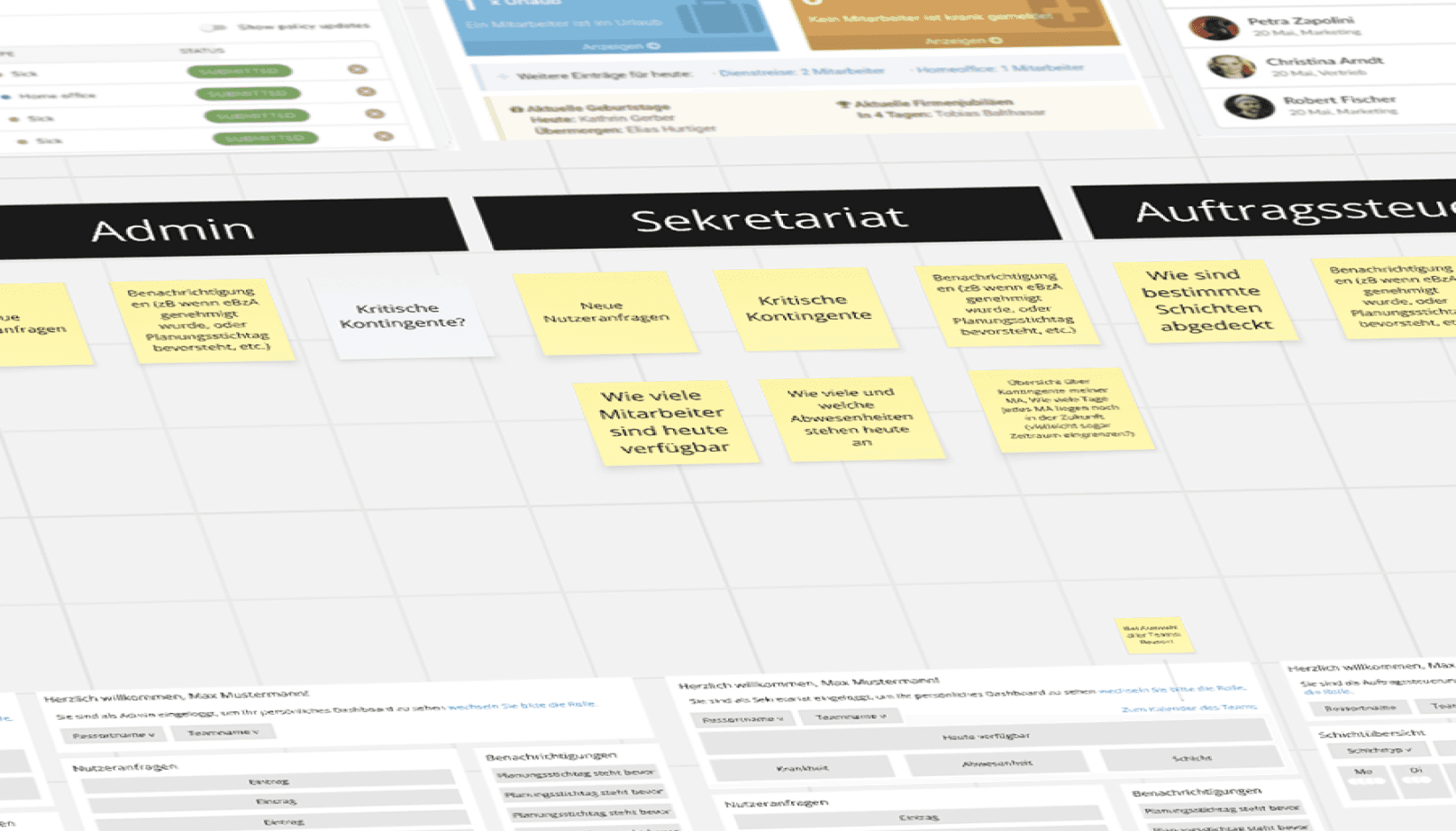
Target group research
Analysis of key roles, tasks and usage contexts, derivation of personas and role-specific journeys for the tailored design of workflows and authorisations.
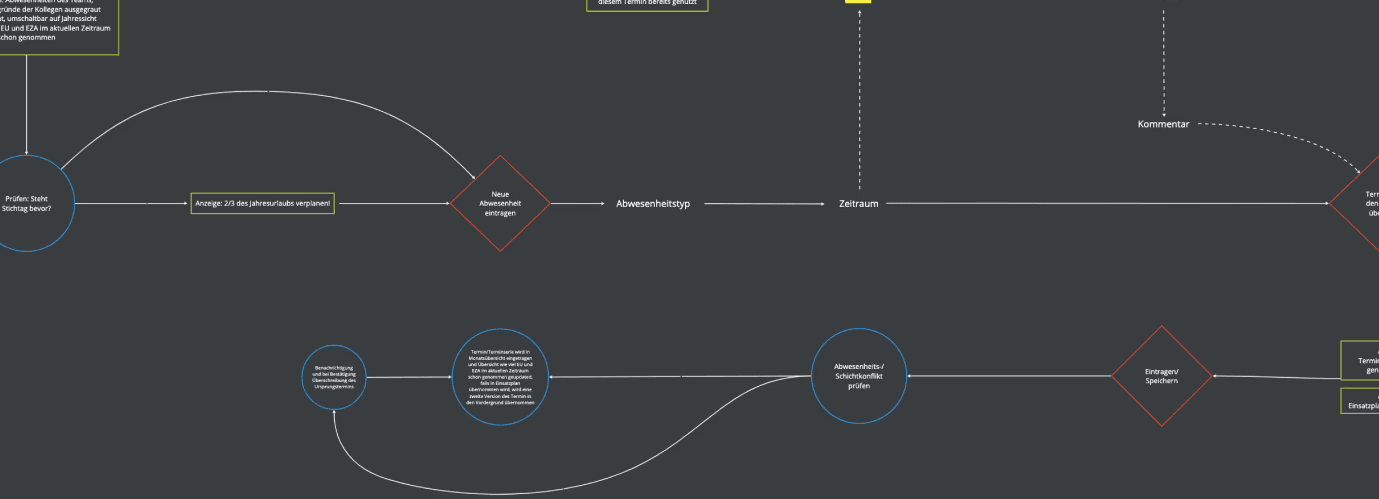
Structure & IA
Prioritisation of central functions, derivation of role-specific use cases and development of a comprehensible, expandable information architecture for complex planning workflows.
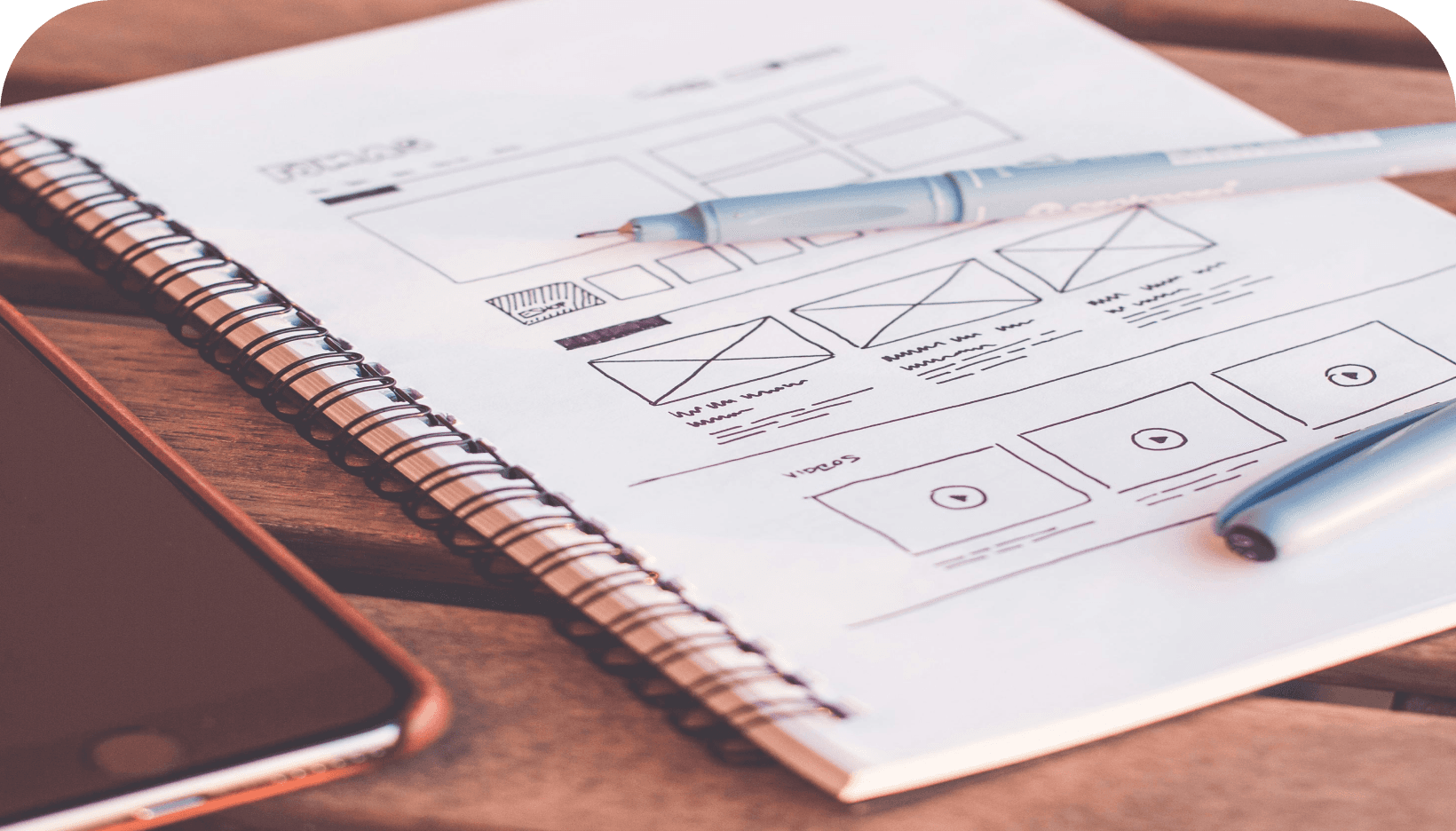
Rough concept & wireframes
Development of iterative wireframes as a common basis for discussion to structure complex workflows and for early validation of key interaction concepts.
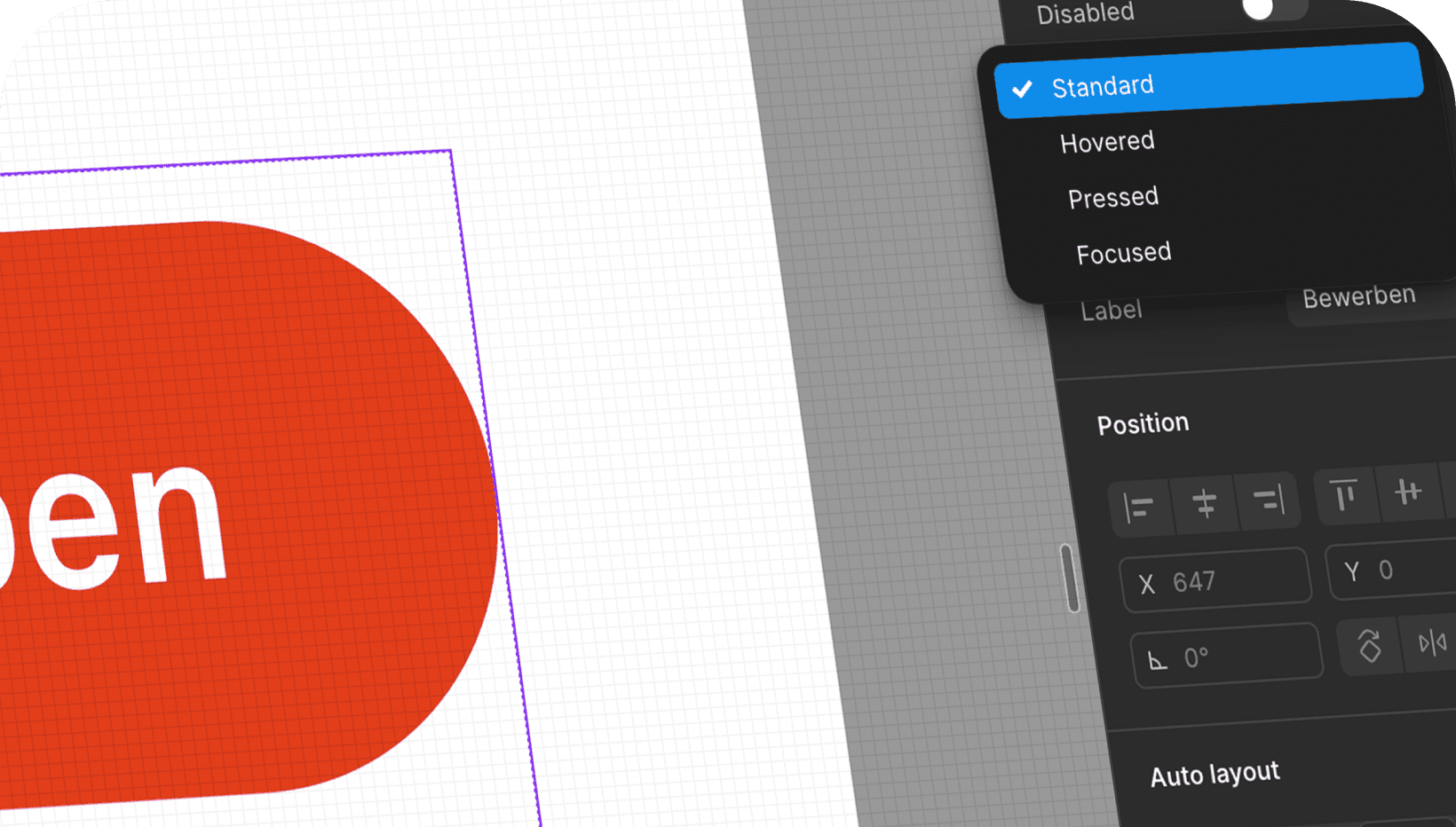
Detailed concept & UI
Translation of wireframes into a consistent and accessible UI using a specially developed design system, with a focus on clarity, efficiency and scalability.
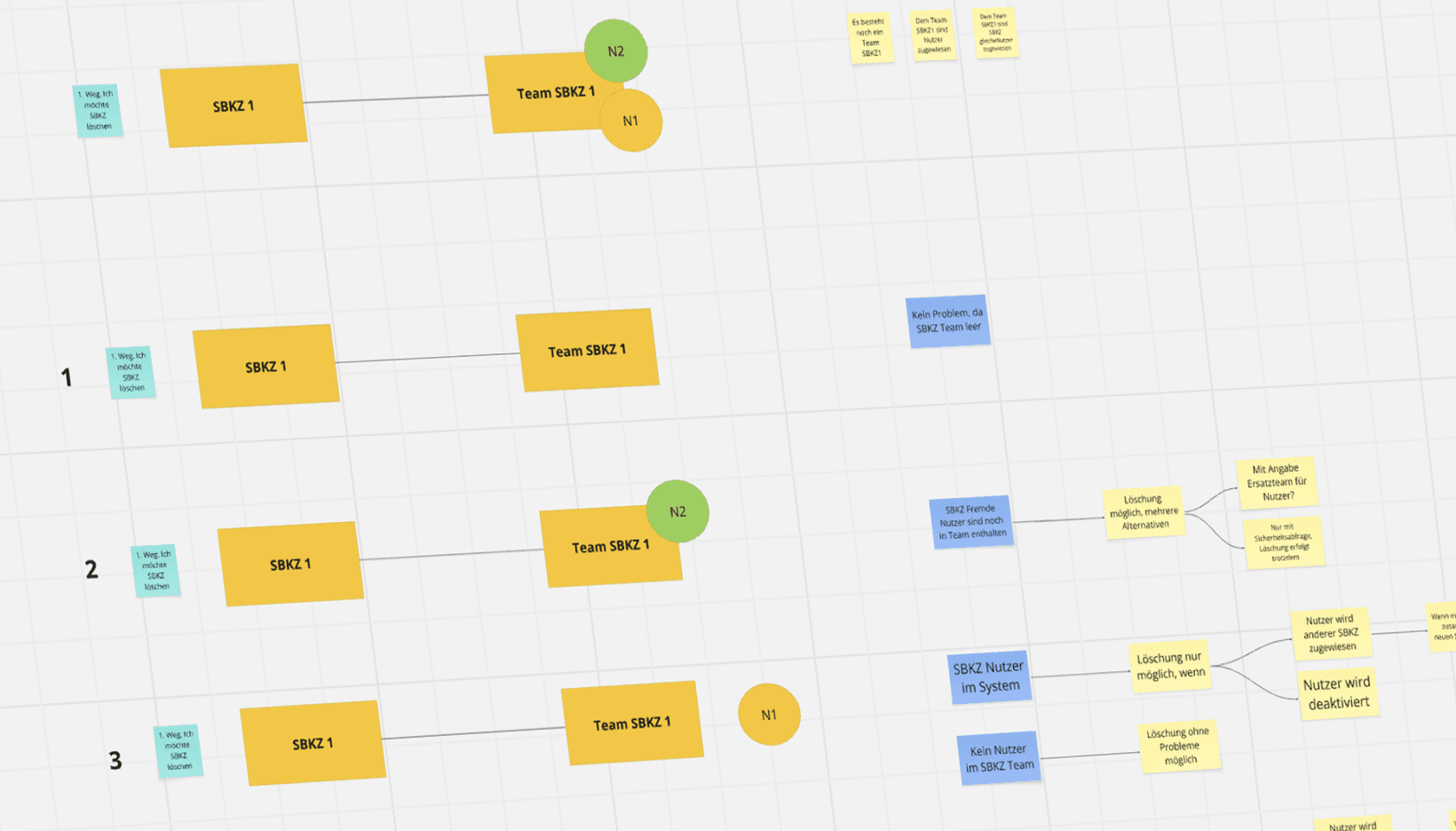
Testing & Iteration
Iterative development and validation of new functions with growing functionality – with a focus on consistent user guidance, process clarity and scalable architecture.
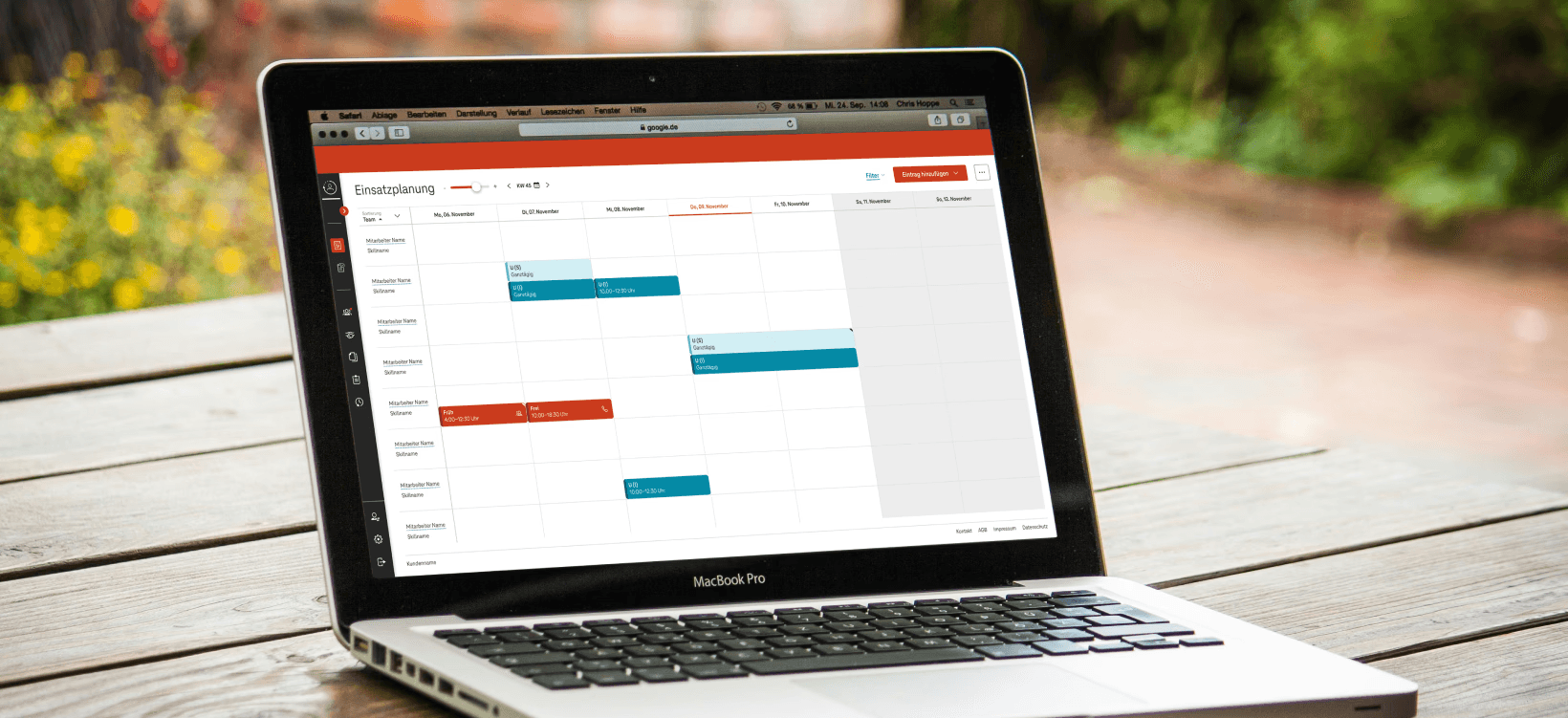
Handover & Support
Structured UX handover to development, including specifications, state logic and support during implementation to ensure consistent UX right through to implementation.
Key design decisions
Several strategic UX decisions were made during the project that had a significant impact on user experience, product strategy and technical implementation. The following decisions show the most important course settings, including their effects and conscious trade-offs.
#1: Planning views according to usage context
Daily, weekly, monthly and annual overview, tailored support for every planning scenario
Higher UI complexity
#2: Harmonisation of regional processes
Consistent UX across regions, reduced training effort
Coordination with specialist departments, some compromises in special local cases
#3: Conscious reduction of functional complexity
The process can be made simpler and more user-friendly.
Individual special cases cannot be represented
#4: Lists instead of tables in small viewports
No horizontal scrolling on mobile devices, improved readability and accessibility
More vertical scrolling, different structure in XL vs. S
Results & Product Impact
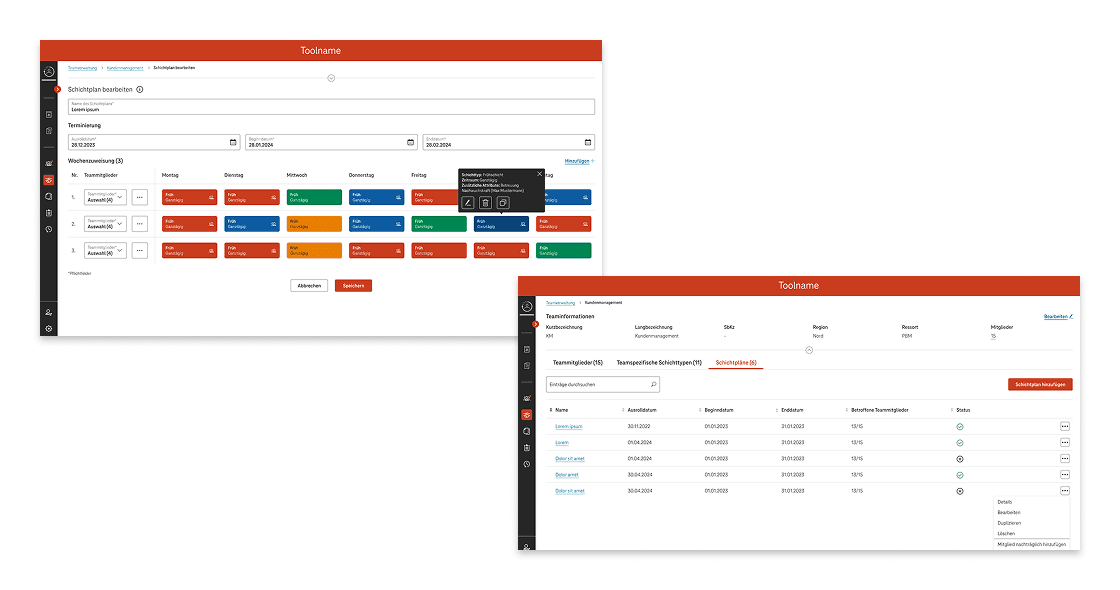
Centralised resource planning reduces coordination effort
An integrated system replaces distributed tools and consolidates shift, holiday and resource planning for over 20,000 employees.
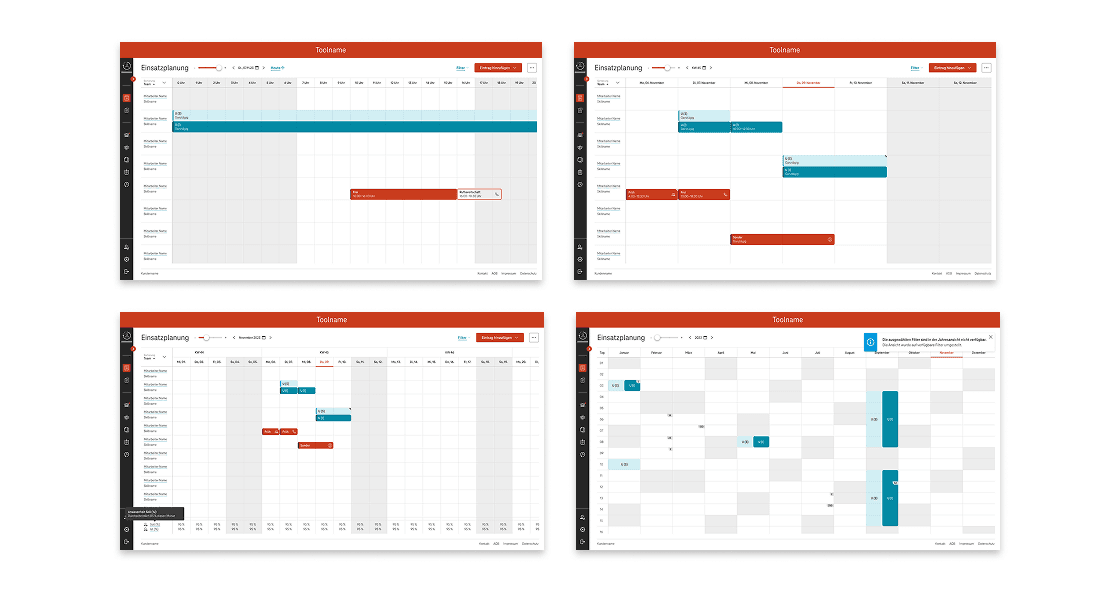
Flexible calendar views speed up operational planning
Daily, weekly, monthly and yearly views enable quick decisions to be made in different planning situations.
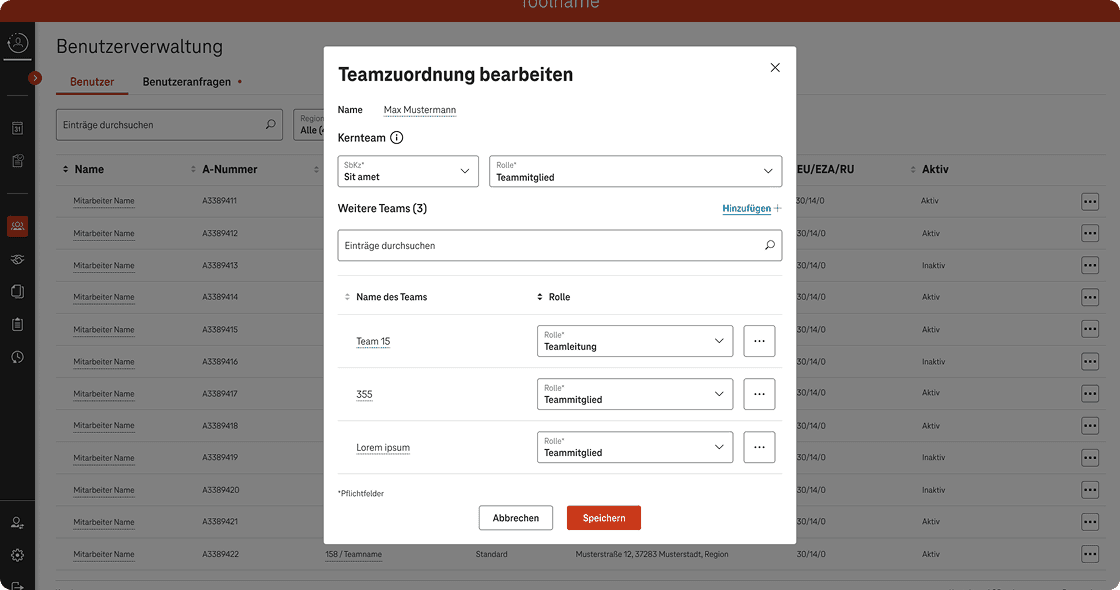
Role-based control increases planning reliability
Tailored functions for scheduling, team management and administration reduce operating errors and coordination efforts.
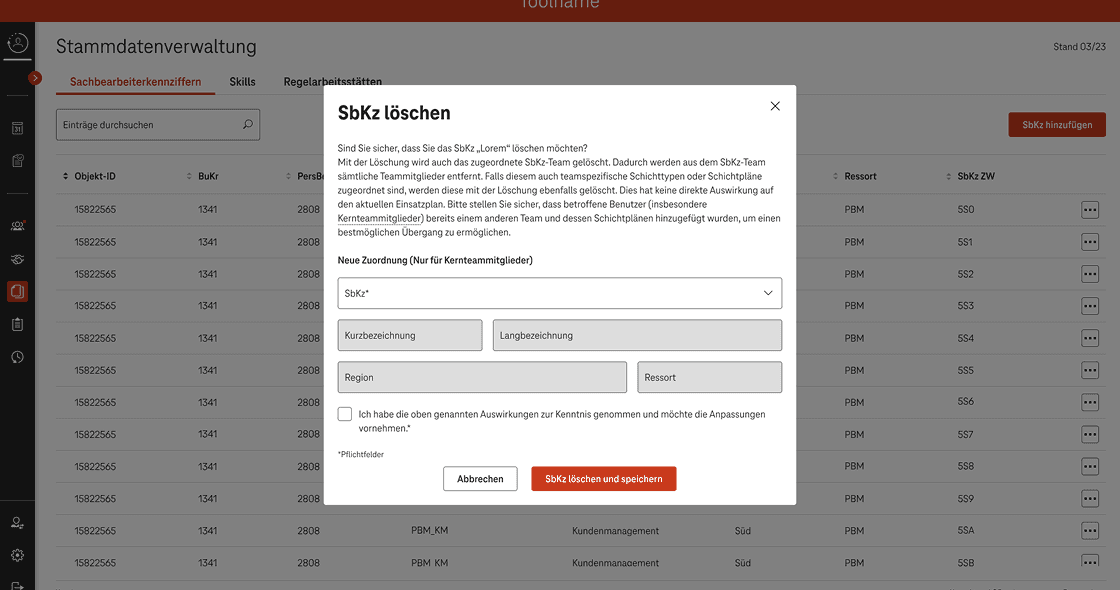
Harmonised processes increase user acceptance
Regional differences were consolidated without losing local requirements – for consistent processes and better usability.
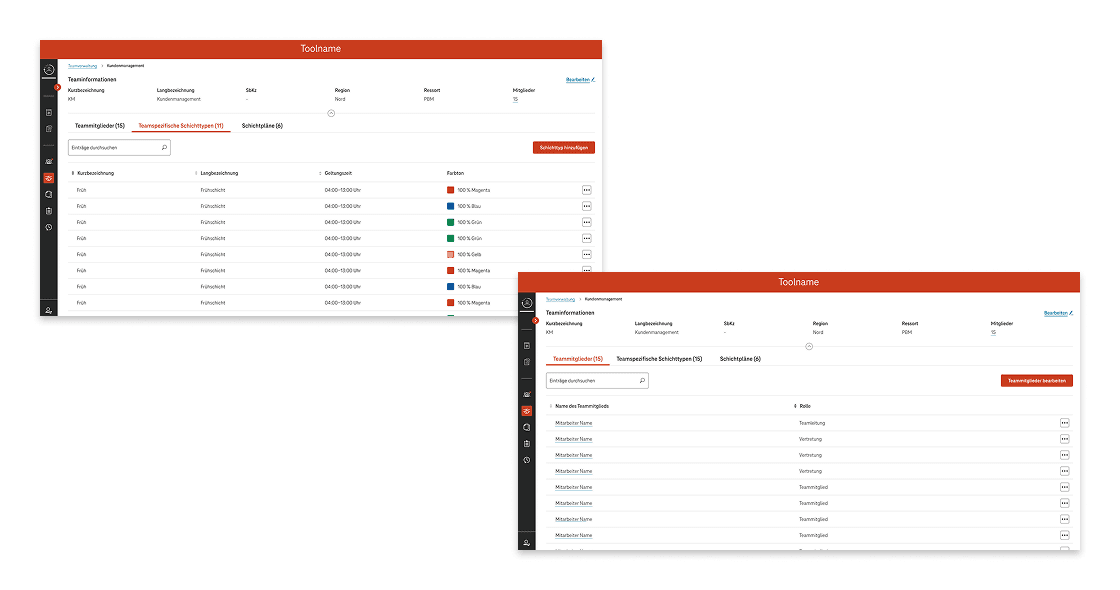
Replacing legacy systems reduces system complexity
Isolated applications were integrated and replaced, including the transfer of proven logic to a central system.
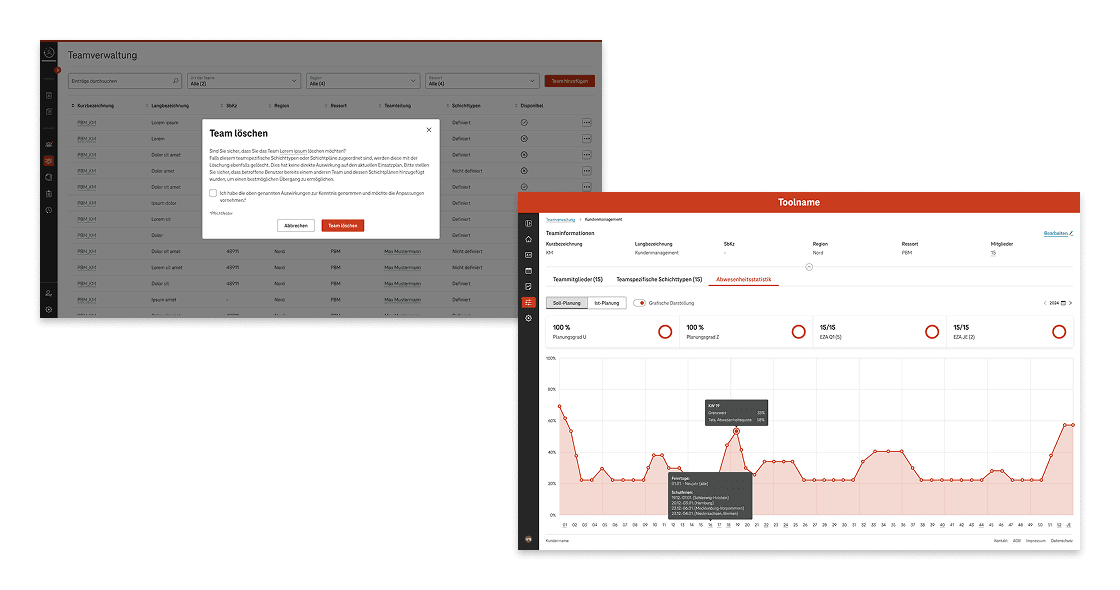
Scalable UX architecture ensures future viability
The modular system basis allows for extensions without destabilising existing workflows or the UX.
Key learnings
Well-established user base as a basis for decision-making
Clearly defined personas and precise use cases facilitated design decisions and noticeably improved coordination with stakeholders.
Visualising processes to make complexity manageable
The graphical representation of complex processes helped to make dependencies understandable and translate them into user-friendly procedures.
Stakeholder management as a UX skill
Close communication with customers honed my communication and prioritisation skills, as well as my ability to deal with different interests.
Scalability through iterative system architecture
A UX architecture designed to be flexible from the outset made it possible to integrate new requirements and functions consistently.